View Scores and Results from Judging
Last updated
Once the first entry has been judged you can view the results of judging by following these steps.
STEP 1: View Your Competition
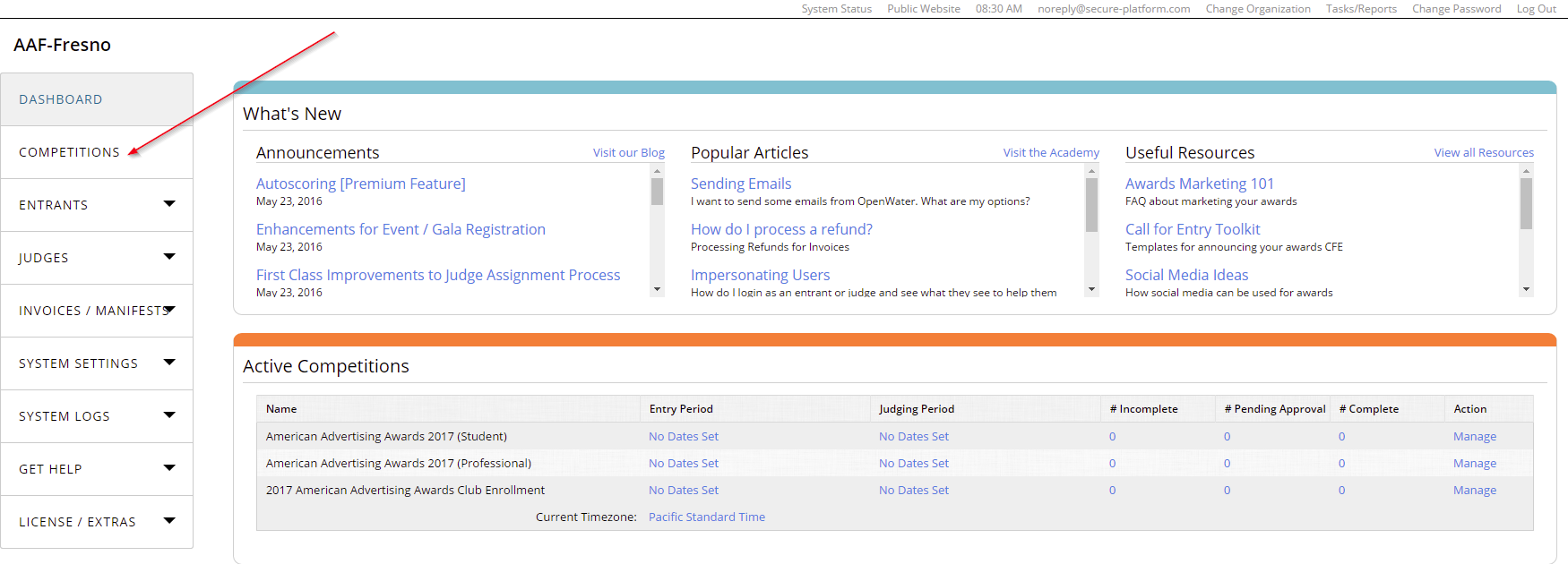
From your OpenWater Dashboard, find and click the Competitions tab on the left side navigation bar
 STEP 2: Manage Your Competition
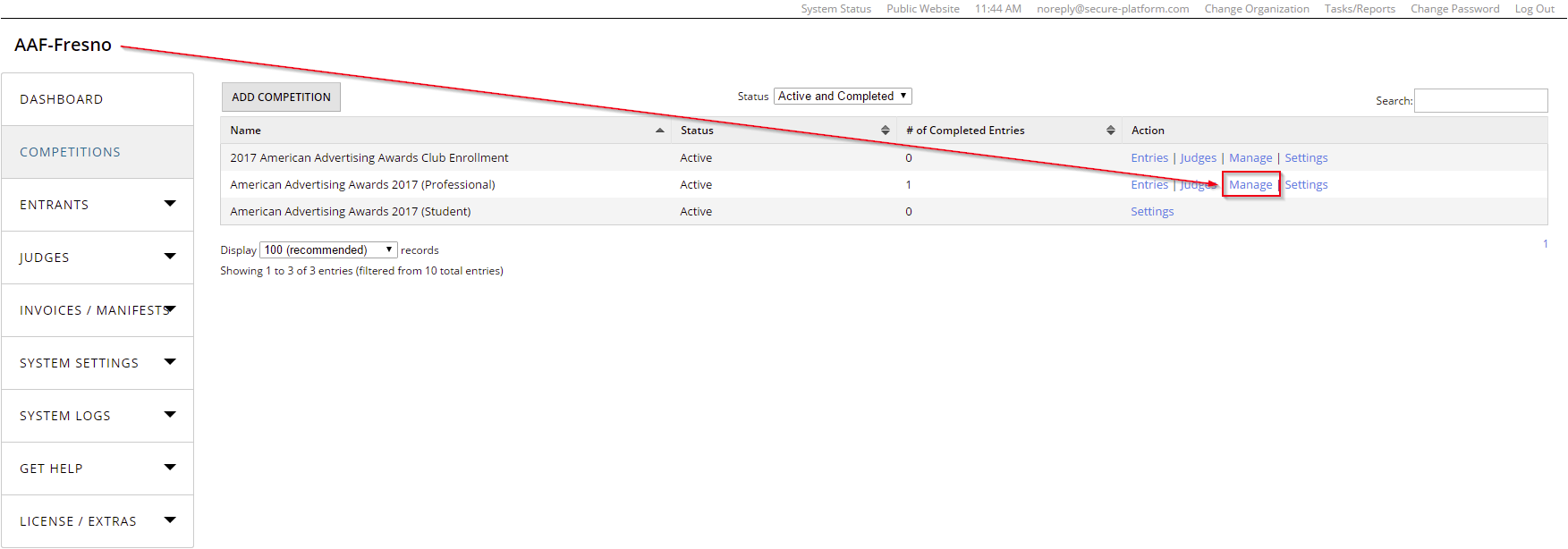
After clicking on the Competitions tab, look to the right to find the list of available competitions
Click "Select"
 STEP 3: View Scores / Results
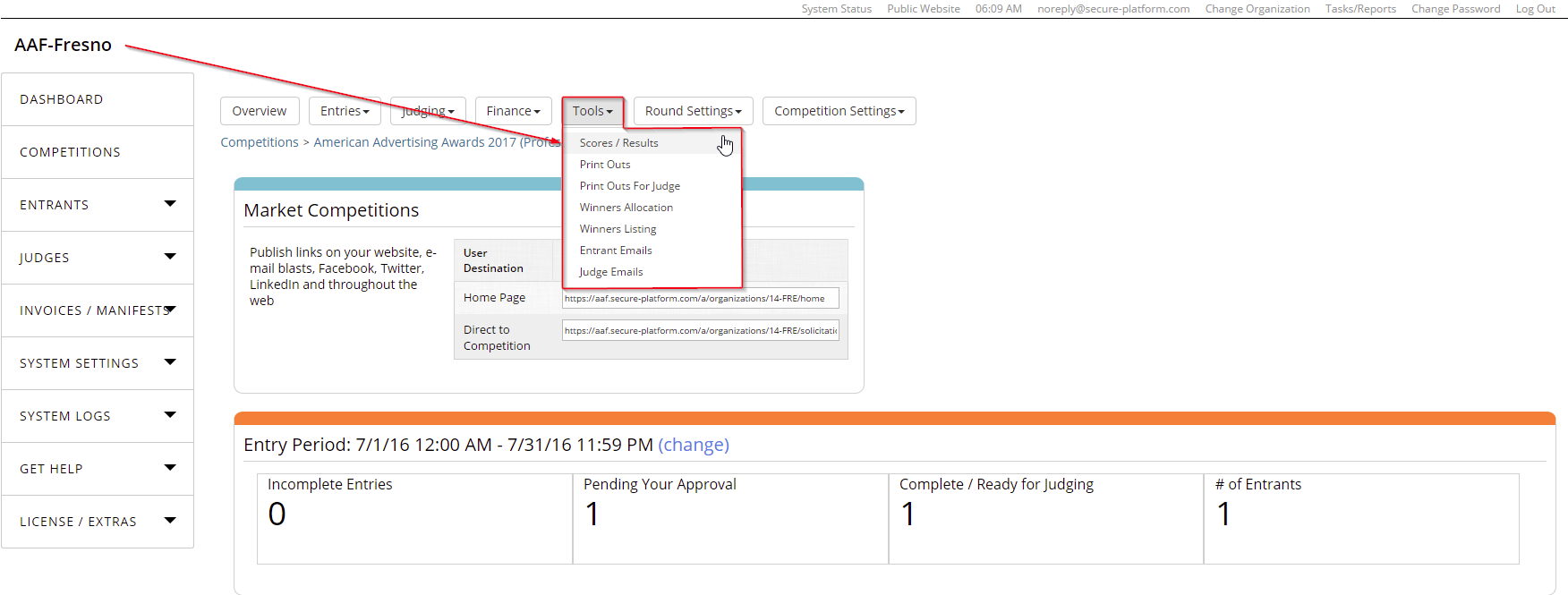
Find and open the "Tools" tab and then click on "Scores / Results"
 STEP 4: View Judging Results
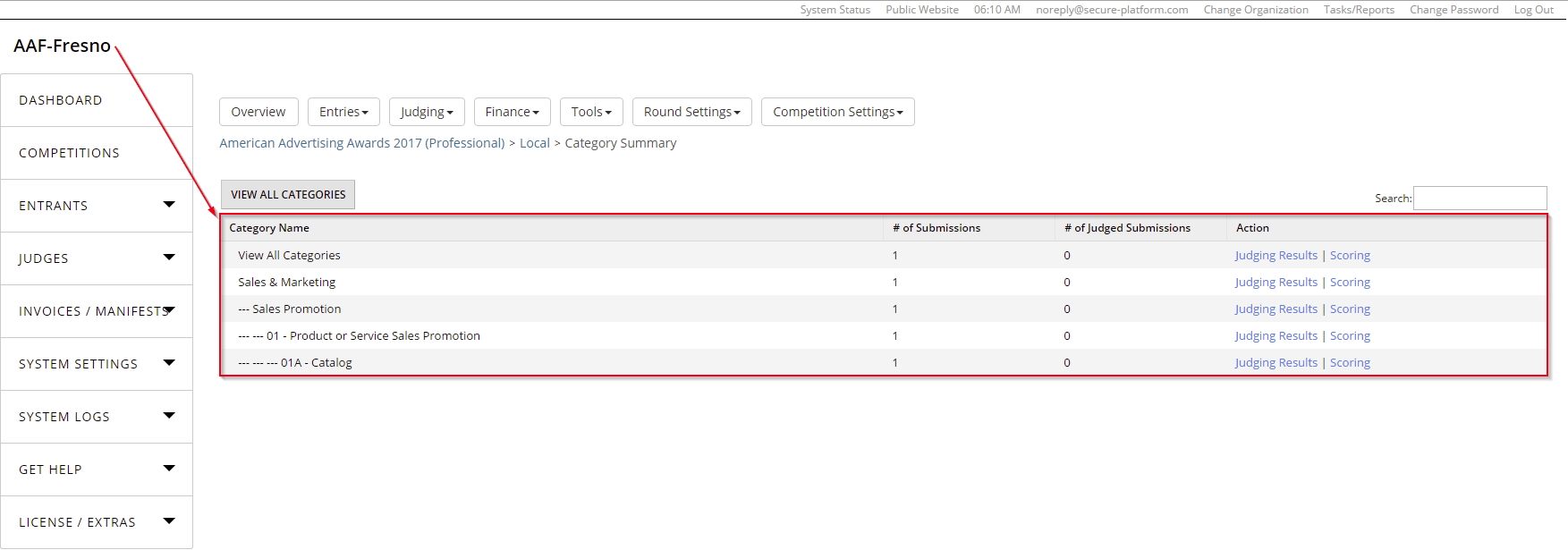
Click "Judging Results" across from the category you wish to review
OR
Click the "Judging Results" link across from "View All Categories" to see all results
 STEP 5: Review the Results
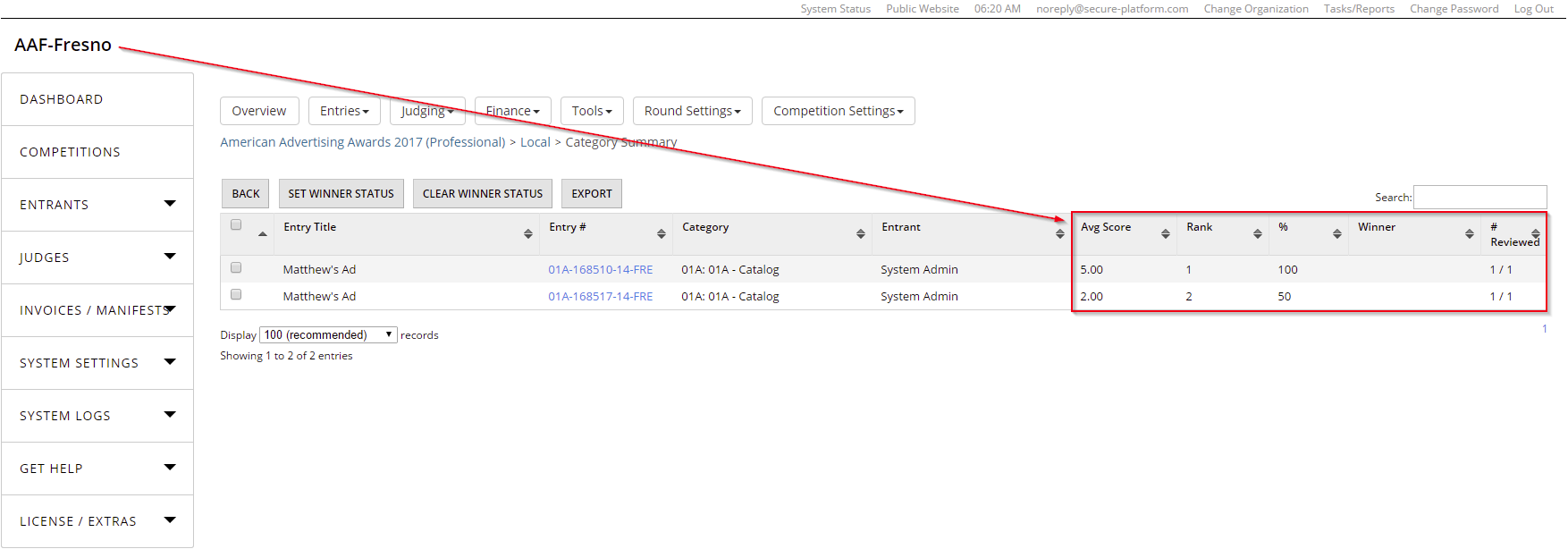
Here you can view the average scores, ranks, winner designations, and more