Manually Add an Entrant
Last updated
This will show you how to manually add an application as an administrator.
STEP 1: Access the Entrants Drop-Down
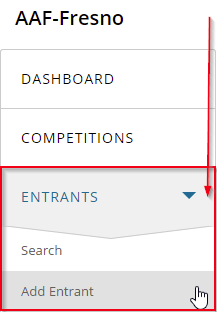
From your OpenWater dashboard scroll down and click on the "Entrants" menu item to open it
Click on "Add Entrant"
STEP 2: Fill Out the Form
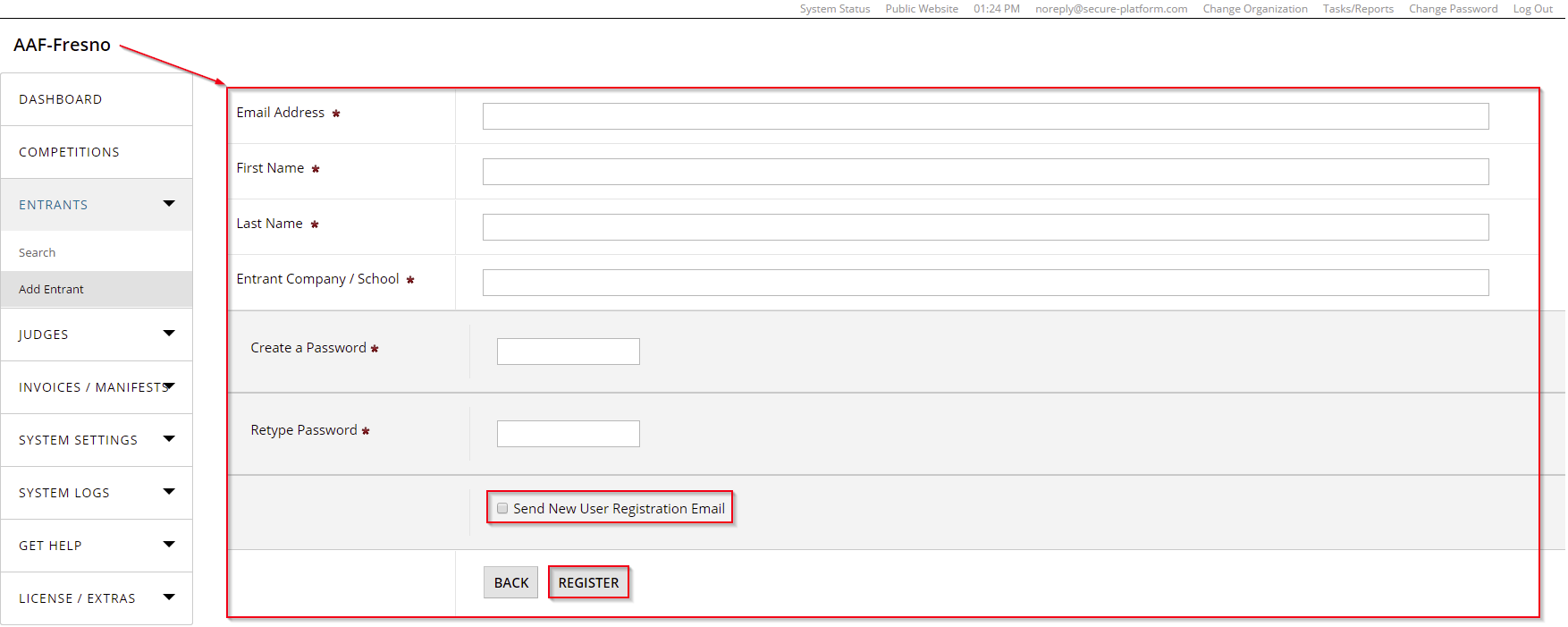
Fill out the form with the Entrant's details
Remember to check the "Send New User Registration Email" if you intend to alert the new entrant
Click "Register"