Generate a Winners Voice Script
Last updated
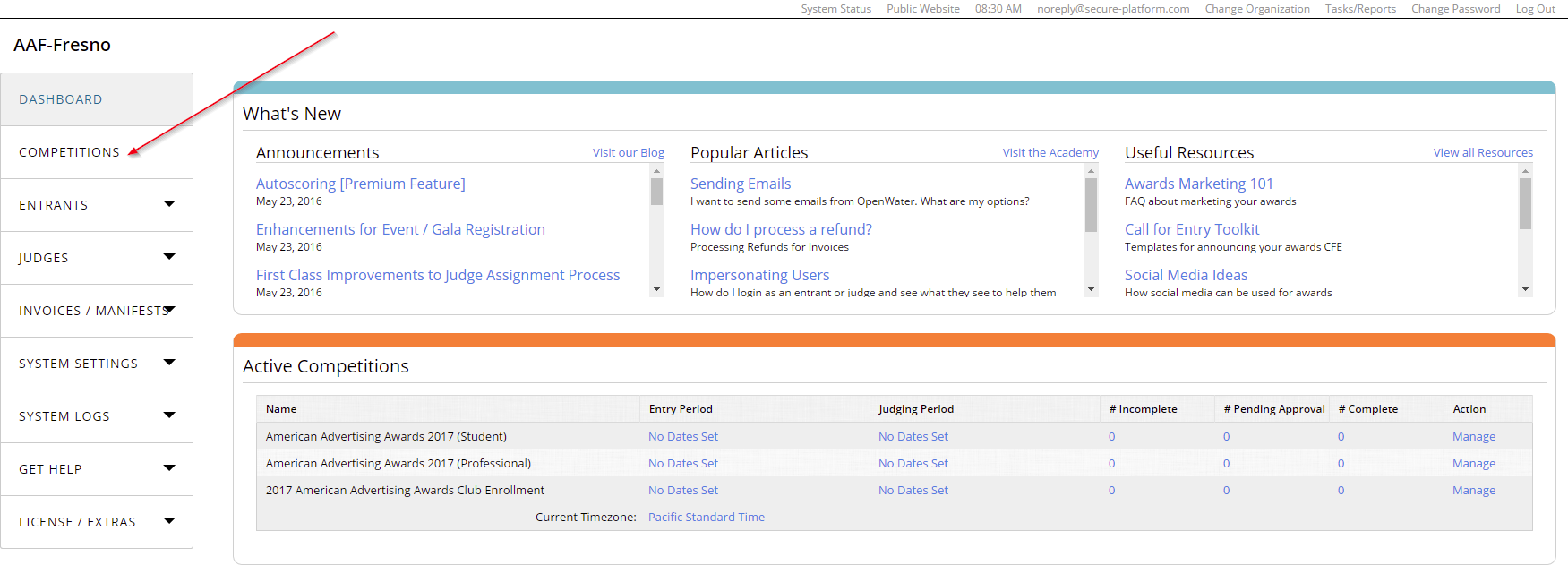
STEP 1: View Your Competitions
From your OpenWater Dashboard, find and click the Competitions tab on the left side navigation bar
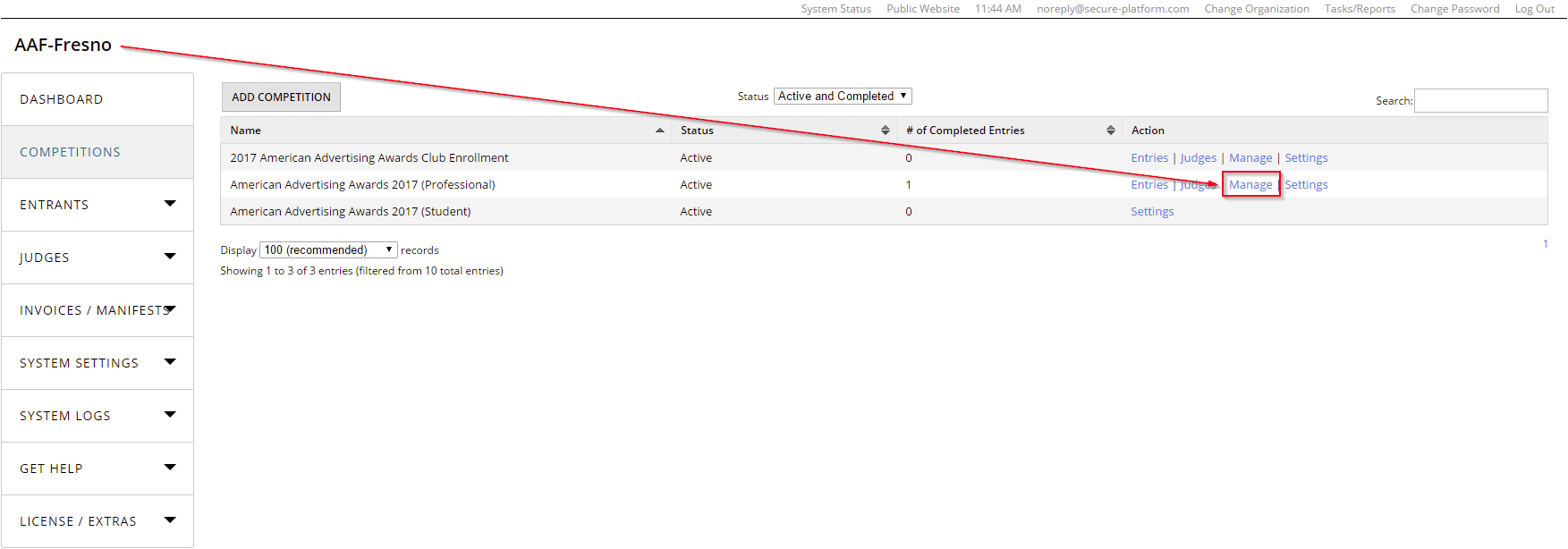
STEP 2: Manage Your Competition
After clicking on the Competitions tab, look to the right to find and click on "Manage"
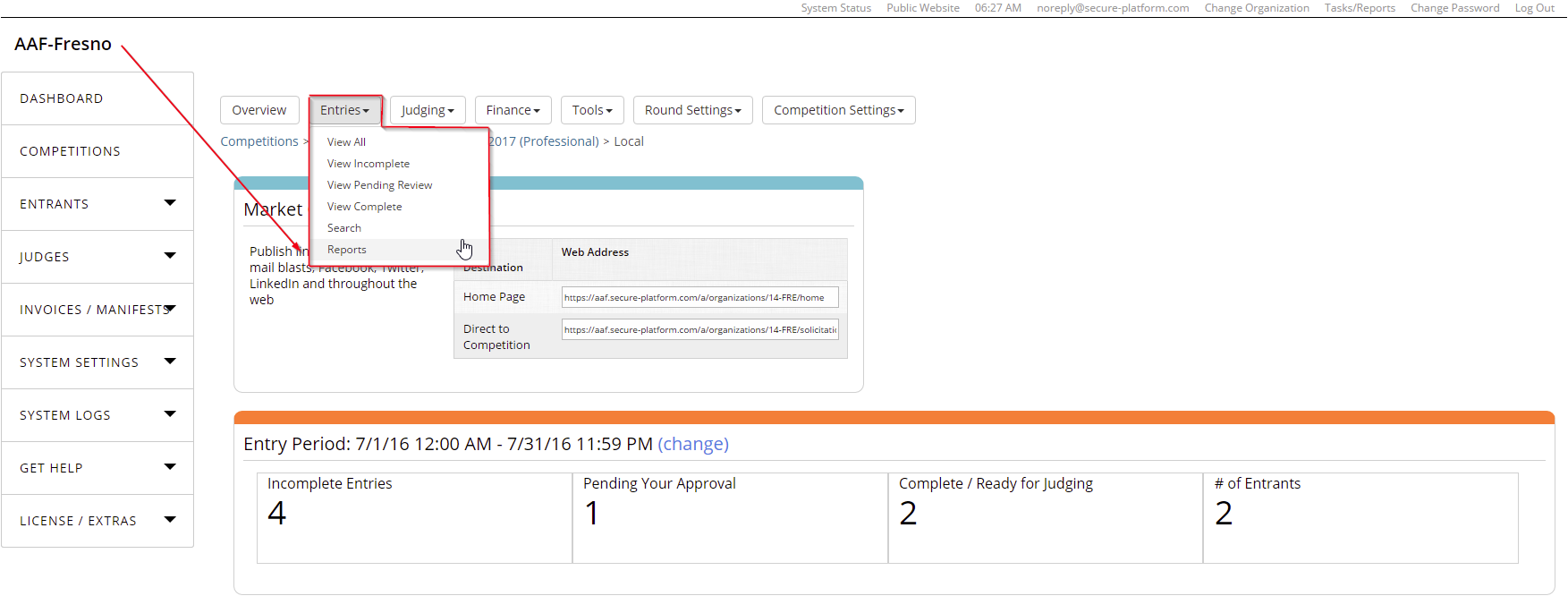
STEP 3: Access Entries Reports
Open the "Entries" drop-down and click "Reports"
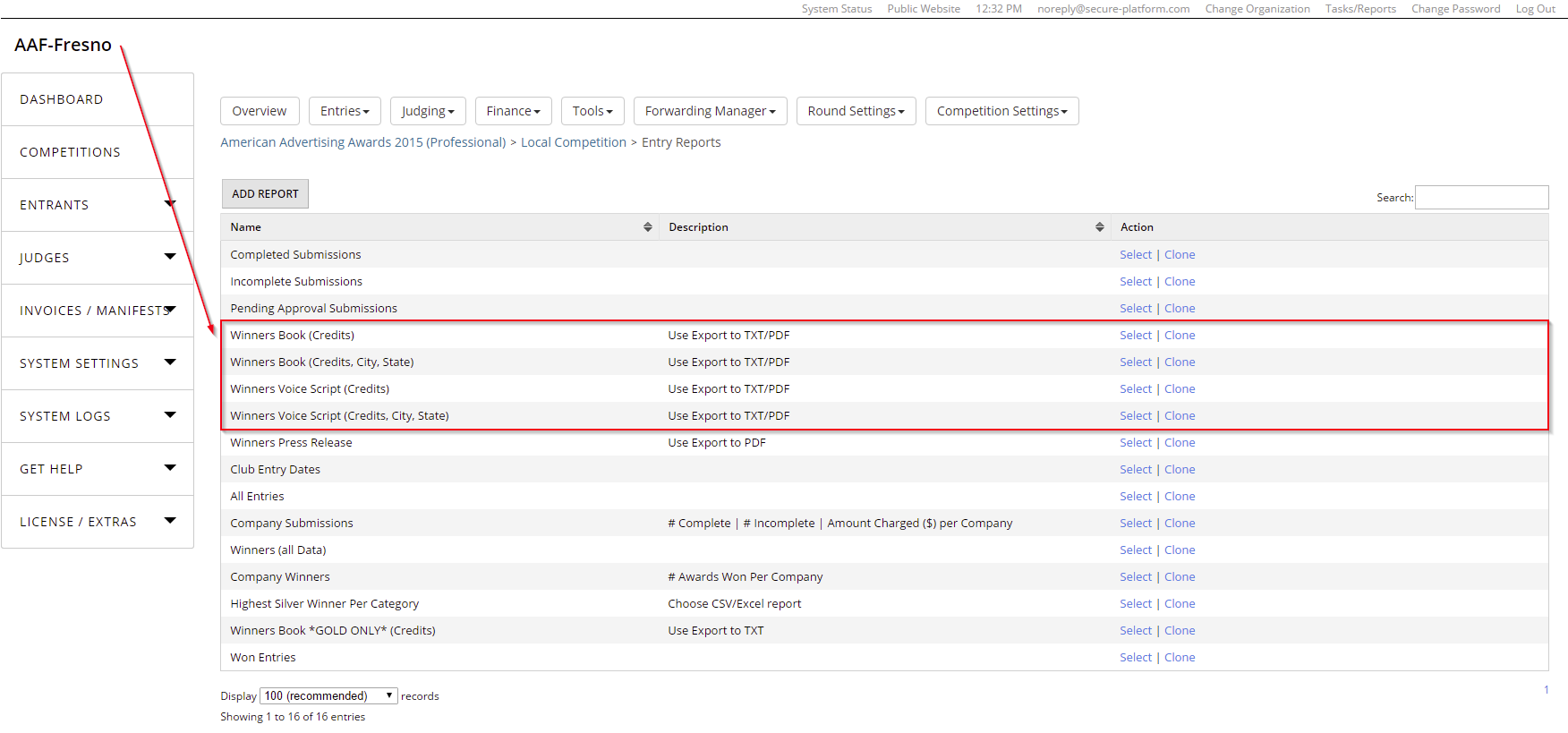
STEP 4: Choose a Report
Choose one the "Winners Voice Script" reports
Click "Select" to open the desired report
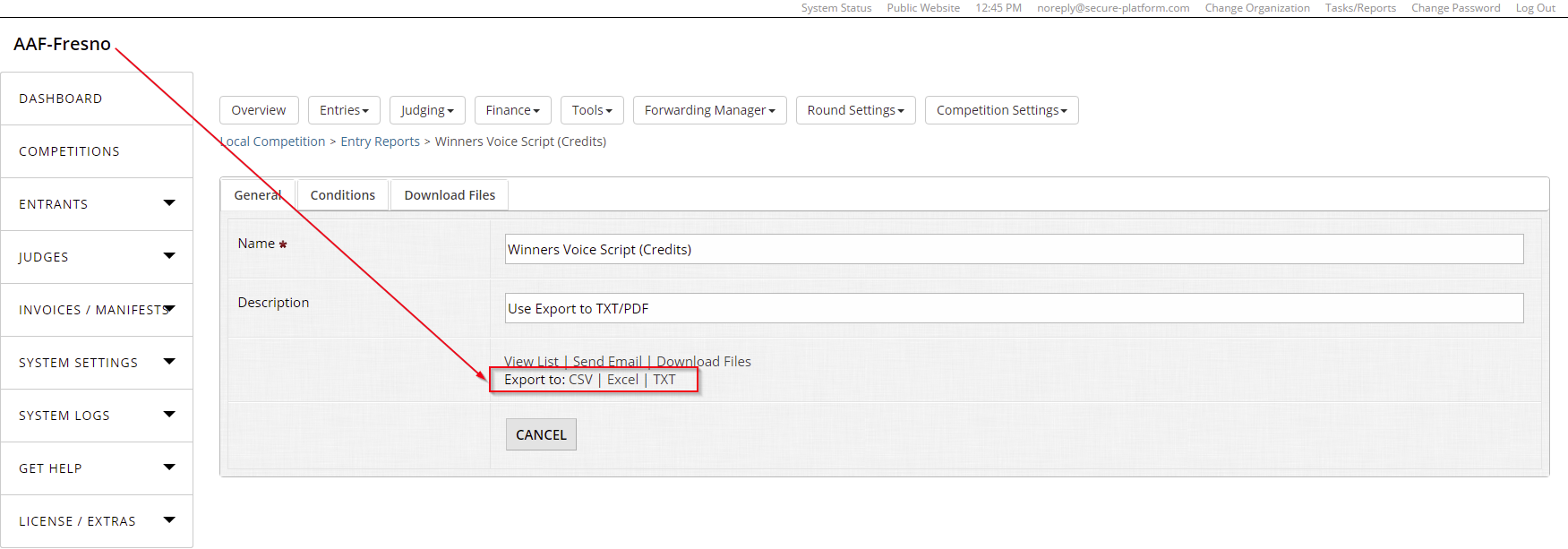
STEP 5: Export the Report
Choose a file format to export to and click it to download