Assign / Unassign Specific Entries to a Judge
Last updated
If you need to assign submissions to a judge, or unassign submission from a judge, follow the steps below to accomplish that.
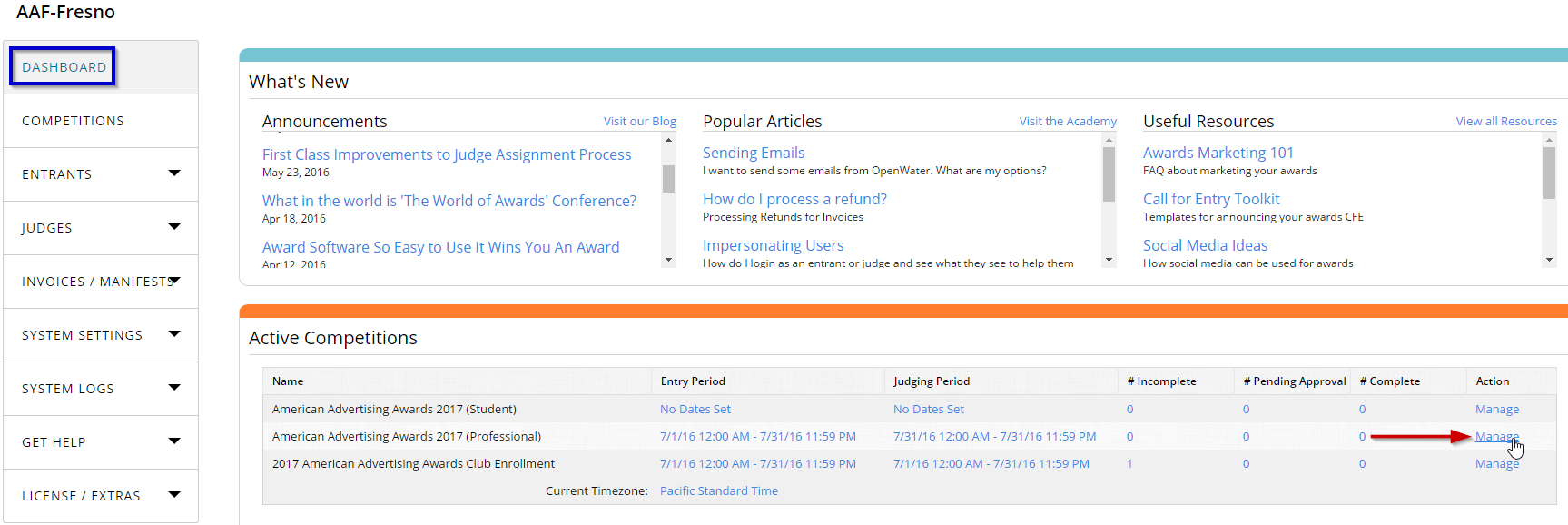
STEP 1: Find and click on Manage across from the program name
Starting from your dashboard, find your program on the list of programs that appears in the center of your screen.
Click on Manage.
STEP 2: Open View / Add Judges from Judging drop down.
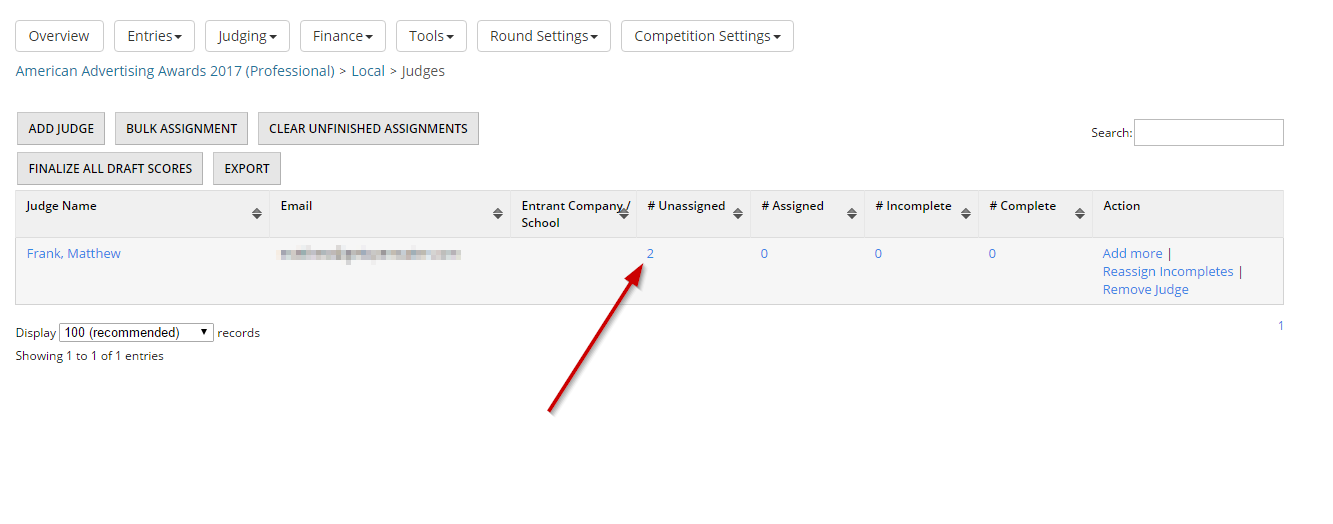
Click on Judging top menu item, and select View / Add Judges in the opened drop down.

STEP 3: Click on the number in unassigned
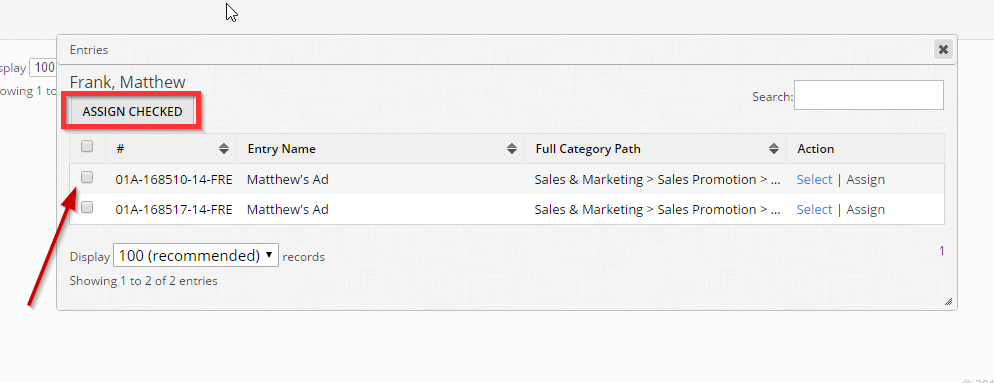
 STEP 4: Select the entries to assign
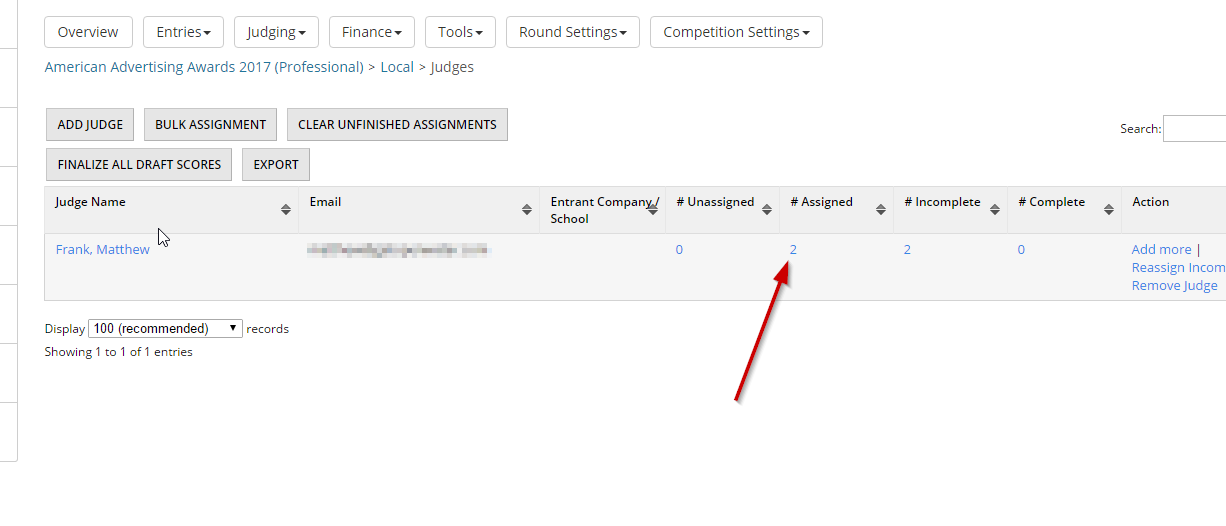
STEP 5: Observe assigned entries
Observe how many entries are now assigned. To unassign, click on the number in the assigned column and click Remove.